Payment Reference vs Transaction ID

Two numbers appear on almost every payment: a reference number and a transaction ID. They are not the same, they are not interchangeable, and using the wrong one in a support request is why a payment investigation stalls on the first reply.
Transaction ID vs reference number: the short answer
| Reference number | Transaction ID | |
|---|---|---|
| Created by | The app or the operator | The payment system (bank, wallet, card network) |
| Purpose | Identify the deposit request inside the account | Identify the money movement between institutions |
| Typical shape | Short, alphanumeric, sometimes re-used per attempt | Long, unique, never re-used |
| Where to find it | Deposit screen, transaction history in the app | Bank statement, wallet receipt, SMS from the bank |
| Who can look it up | The operator | The bank or wallet provider — and the operator, if you give it to them |
Why the operator needs the transaction ID
A reference number proves you started a deposit. It does not prove the money left your account, and it says nothing about where it went. The transaction ID is the only identifier the operator can match against incoming payments at their processor. Without it, support can see "pending" and nothing else — which is exactly the answer people get and then read as negligence.
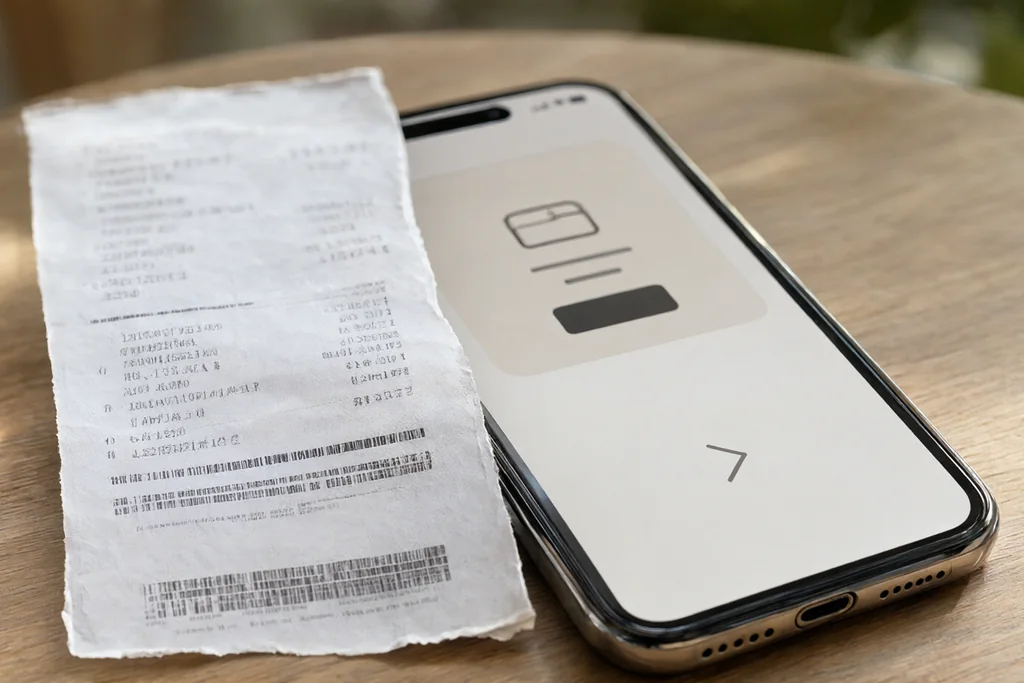
Where to find each number on a bank or wallet statement
- Reference — in the app: deposit screen before confirming, then in the transaction list with a status label.
- Transaction ID — in the bank statement (sometimes called "reference" by the bank, which is where the confusion starts), in the wallet receipt, or in the SMS confirmation.
- Both — in a wallet-to-wallet transfer, each side has its own identifier; the one that matters is the outgoing transfer.
The case that breaks the pattern: card payments
With a card payment, the statement may show an authorisation code instead of a transaction ID. The authorisation code is what the operator's processor sees. If support asks for "the code from the statement", that is the one — not the reference from the app.
What to send, in order
- Amount and currency, exactly as charged.
- Date and time with the time zone (Bangladesh Standard Time is UTC+6).
- Method: card, wallet or bank transfer — and the provider's name.
- Transaction ID from the statement or receipt.
- Reference number from the app, if one exists.
- A screenshot of both, with the last digits of the account visible.
That list is what the request builder assembles. The payment troubleshooting guide covers what happens after the message is sent.
What not to send
Never send a full card number, a CVV, a wallet PIN or a one-time code. A support agent needs identifiers of a payment, not the means to make a new one. Any request for those is a scam, whatever the caller claims.
Identifiers differ between providers and can be renamed in an update. The definitions above describe the function of each number, not a fixed format — check the labels in your own statement.
Why the two numbers exist at all
An internal reference and an external transaction ID exist because two different systems need to identify the same event. The operator's system needs to know which deposit request it created; the payment network needs to know which movement of money it processed. When a payment goes missing, those two records have to be matched — and the match happens on the transaction ID, because it is the only identifier both sides share.
That is why a support agent who asks for "the transaction ID" is not being difficult. Without it, their system shows a pending request and no counterpart.
Reading a bank statement correctly
Statements label identifiers inconsistently. Common labels: "reference", "transaction ID", "auth code", "trace number", "UTR". For an incoming transfer, the field you want is the one that is unique per movement — usually the longest string, or one labelled UTR or trace. For a card payment, the authorisation code is the identifier the processor sees.
A statement line also carries a value date, which can differ from the transaction date by a day or two, especially across weekends. Support systems match on the transaction timestamp, so sending the value date is a common cause of mismatch.
Wallet transfers: the case with two IDs
A wallet-to-wallet transfer produces two identifiers: one in the sender's history and one in the recipient's. They describe the same movement but are not identical strings. Send the sender's identifier — the outgoing record — because that is the side that proves the money left.
What a good support message contains
Six facts, in the order support systems use them: amount, timestamp with time zone, method and provider, transaction ID, internal reference, and evidence. The order matters less than the completeness: a message that includes all six is resolved in one exchange; a message with only a screenshot of the app is resolved in four.
After the message is sent
Two outcomes are possible. The operator traces the payment and credits it, or traces it and confirms it never arrived — in which case the investigation moves to the payment provider and the operator is no longer the decision maker. The second case is where most frustration comes from: the timeline is set by the bank or wallet, not by support, and no escalation inside the app shortens it.
The payment troubleshooting guide covers the first 48 hours in detail, including which statements to request from the provider if the money is confirmed as sent but not received.
In the Joya9 transaction list the internal reference appears immediately, while the bank transaction ID only exists once the money has moved.
Continue reading
The other sections cover account, app, VIP, betting, bonus and payment questions.